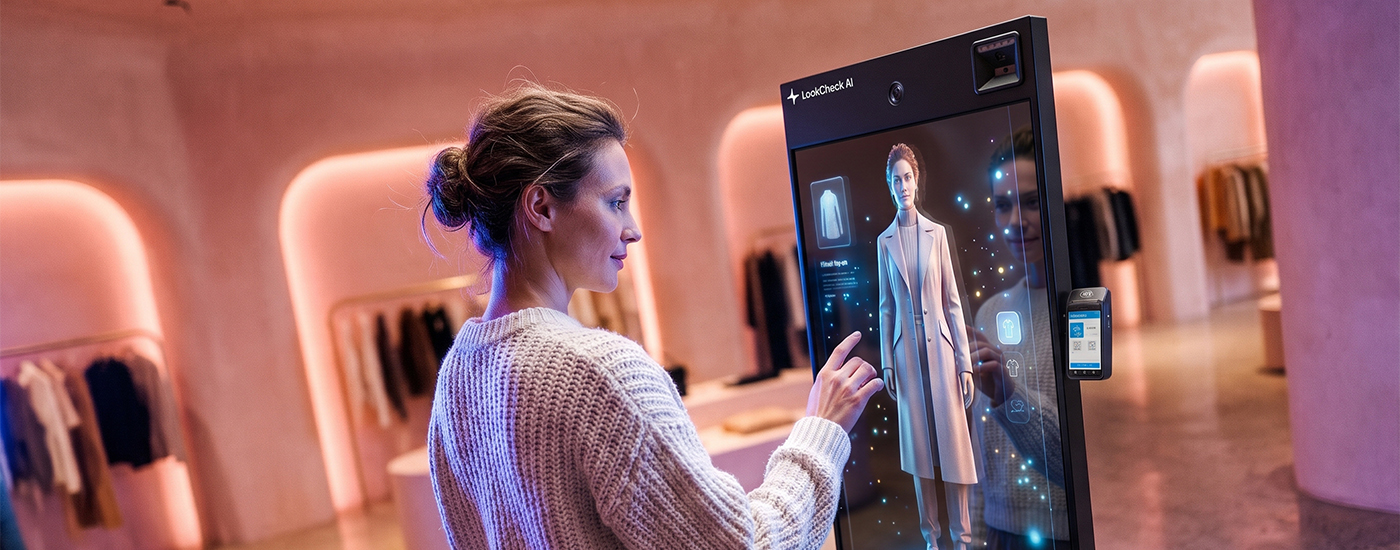
What Virtual Try-On for Clothes Actually Does for a Fashion Store
A shopper lands on your product page and looks at a summer dress on a studio model who looks nothing like them. That single moment of doubt between liking a garment on a stranger and picturing it on yourself is where online sales stall. When you add a tool for virtual try on clothes to your product pages, you answer "how will this look on me" right when the customer is deciding whether to buy. According to the Baymard Institute, the average online cart abandonment rate is 70.22% across 50 studies (September 2025), showing just how often online shoppers hesitate and walk away before paying.
What virtual try-on clothes software is
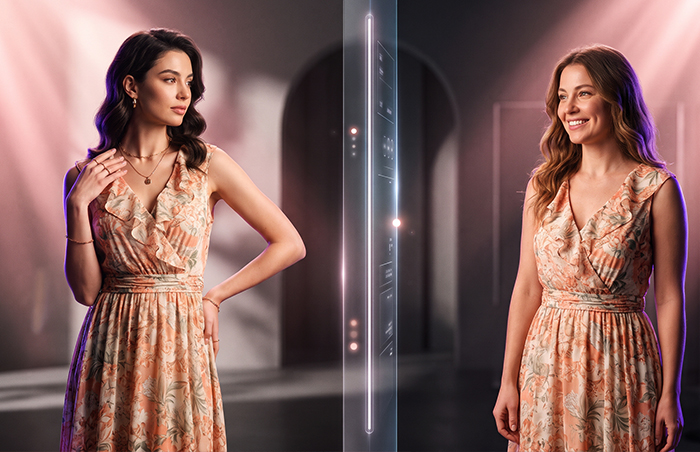
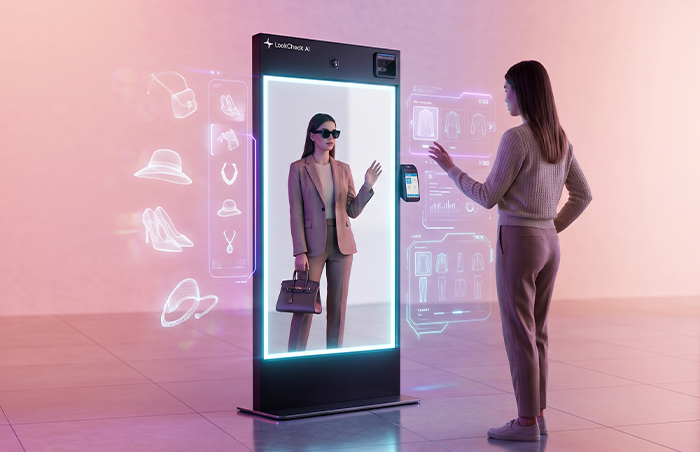
LookCheck AI is virtual try-on software built by Rendream for fashion retailers. Instead of asking the customer to guess how a cut or colour will work on them, the widget lets the shopper upload one photo, pick items from your store, and see a photorealistic image of themselves wearing your products. It uses generative AI to create a fresh image of the customer in your garment, rather than laying a flat graphic over a camera feed.
What the shopper actually does
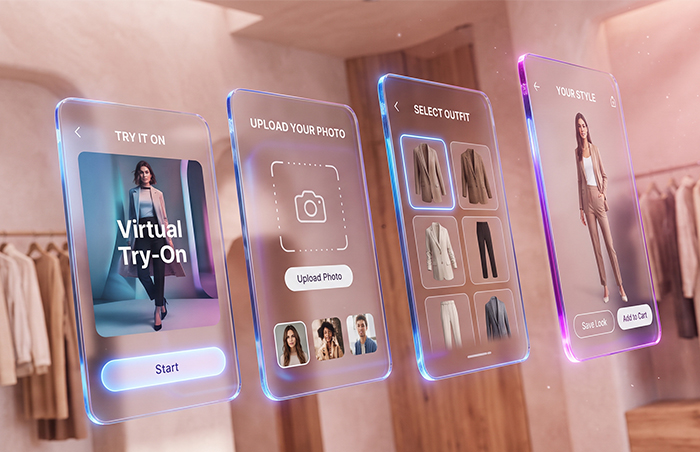
Your customer does not need to download an app or learn a complicated process to try on your catalogue. They stay on the product page where they are already shopping and follow four steps.
First, they tap the try-on button right next to your product details. Second, they upload one clear, full-body photo of themselves from their phone or computer. Third, if they want to build a complete look, they can add several items from your store to try on an entire outfit at once. Fourth, they get a photorealistic render of the item on their own body in seconds.
What the store owner does
Setting up the widget takes very little time from your team. You install the app on your store, let your product catalogue sync automatically, match the widget to your store's theme colours and fonts, and hit publish. Most merchants go live in about five minutes.
You do not need to commission 3D models of your inventory, book new studio photography, or edit your store's theme code. The software works directly from the product images you already use in your catalogue. Because every render runs on Rendream's servers, adding the widget does not slow your store down.
What categories it covers
You can run try-on across your whole collection rather than limiting it to basic shirts or trousers. The online widget supports tops, bottoms, dresses, outerwear, shoes, glasses, jewellery, bags, hats, and other accessories. Because shoppers can combine items in a single render, someone looking at a jacket can also add a pair of trousers, boots, and sunglasses from your catalogue to see how the whole outfit comes together on them.
If your brand sells unstitched fabric, LookCheck supports that category as well. Unstitched collections need a setup conversation with the Rendream team first so your prints and embroidered panels render properly as finished garments.
Where it fits in a store's numbers
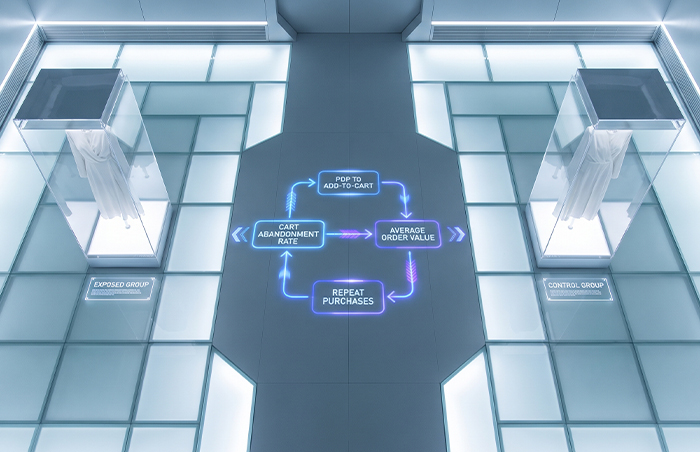
Every online fashion merchant deals with the gap between product page views and completed checkouts. We detail the mechanics of this hesitation in our breakdown of online cart abandonment in fashion retail. When a shopper cannot tell if a neckline suits their frame or if a shade of green works with their skin tone, leaving the item in the cart is the safest choice for them.
Giving that shopper a clear look at themselves in the garment removes guesswork before they reach the checkout screen. You can test how this works on your own store using the virtual try-on app for Shopify, which includes a free plan with 20 try-ons a month. If you run a busy store and want to manage your monthly render volume, you can restrict try-on to logged-in customers, limit it to customers with a purchase history, or cap try-ons per person per day, week, or month.

What to check before you choose a tool
Before you commit to any software for your storefront, ask three practical questions about how the tool operates. You can read our complete checklist in how to choose a virtual try-on app: 12 questions to ask.
First, check whether the tool uses the shopper's own photo. A render only answers the customer's question if they are looking at themselves rather than a generic model. Second, ask what happens to the customer's photo after the image is generated. With LookCheck, shopper images are encrypted, processed and deleted. They are never used to train AI models, and Rendream holds ISO 27001:2022 certification. Third, check how the tool is billed and whether you have usage controls to stop casual browsers from burning through your monthly allowance.

ISO 27001:2022 Certified Architecture
LookCheck operates under strict zero-retention policies. In-store images are encrypted, processed in memory, and immediately deleted without saving or using them for training. Read our security practices.
Frequently Asked Questions
LookCheck for e-commerce
Ready to try LookCheck online?
See LookCheck on a live catalog and find the right plan for your storefront.
Try the live demo